Scalar API Client release notes
1.1.3 (2026-05-22)
Script execution and build reliability improvements
This release fixes script execution in production builds and strengthens environment configuration validation to catch missing variables before deployment.
- Fixed pre-request and post-request scripts not running in production Electron builds
- Build now fails early when required environment variables are missing
- Added analytics tracking for document saves and registry sync operations
1.1.2 (2026-05-21)
Logout now works correctly in the desktop app
We fixed a navigation issue that caused the Electron desktop app to break when logging out, and improved how environment variables are loaded across different build targets.
1.1.1 (2026-05-21)
Improved multipart forms and better security
This release brings cleaner multipart form handling, better deep-linking from API Reference, and hardened security across the board.
- Nested object properties in multipart forms now expand into individual editable rows and serialize as clean JSON parts
- Opening the client from API Reference now lands you directly on the selected operation
- Response previews are now protected against XSS and referrer leakage
- Pre-request and post-response scripts run in an isolated sandbox, removing unsafe-eval from the main app
- Web client now defaults to proxy.scalar.com while desktop skips the proxy unless you configure one
1.1.0 (2026-05-16)
Improved sidebar filtering and analytics fixes
This release brings better document organization with combined title and namespace filtering in the sidebar, plus fixes for analytics tracking and content security.
- Sidebar now filters documents by both title and namespace together with clearer controls
- Fixed analytics events not tracking login and logout actions
- Improved team picker to match dashboard design
- Relaxed image loading restrictions to support HTTPS sources
1.0.13 (2026-05-14)
Scalar Client 1.0 — team workspaces, registry sync, conflict resolution, and a rebuilt experience
Intro walkthrough — What's new in Scalar Client 1.0
Scalar Client 1.0 is the first major release of the open-source HTTP client as a focused desktop and web app. Workspaces are now built around teams and the Scalar Registry: you can sync in real time, resolve conflicts when edits diverge, and manage API descriptions and versions without leaving the client. Local workspaces stay fast and offline-friendly with explicit save and revert before anything ships upstream.
Team workspaces and Scalar Registry
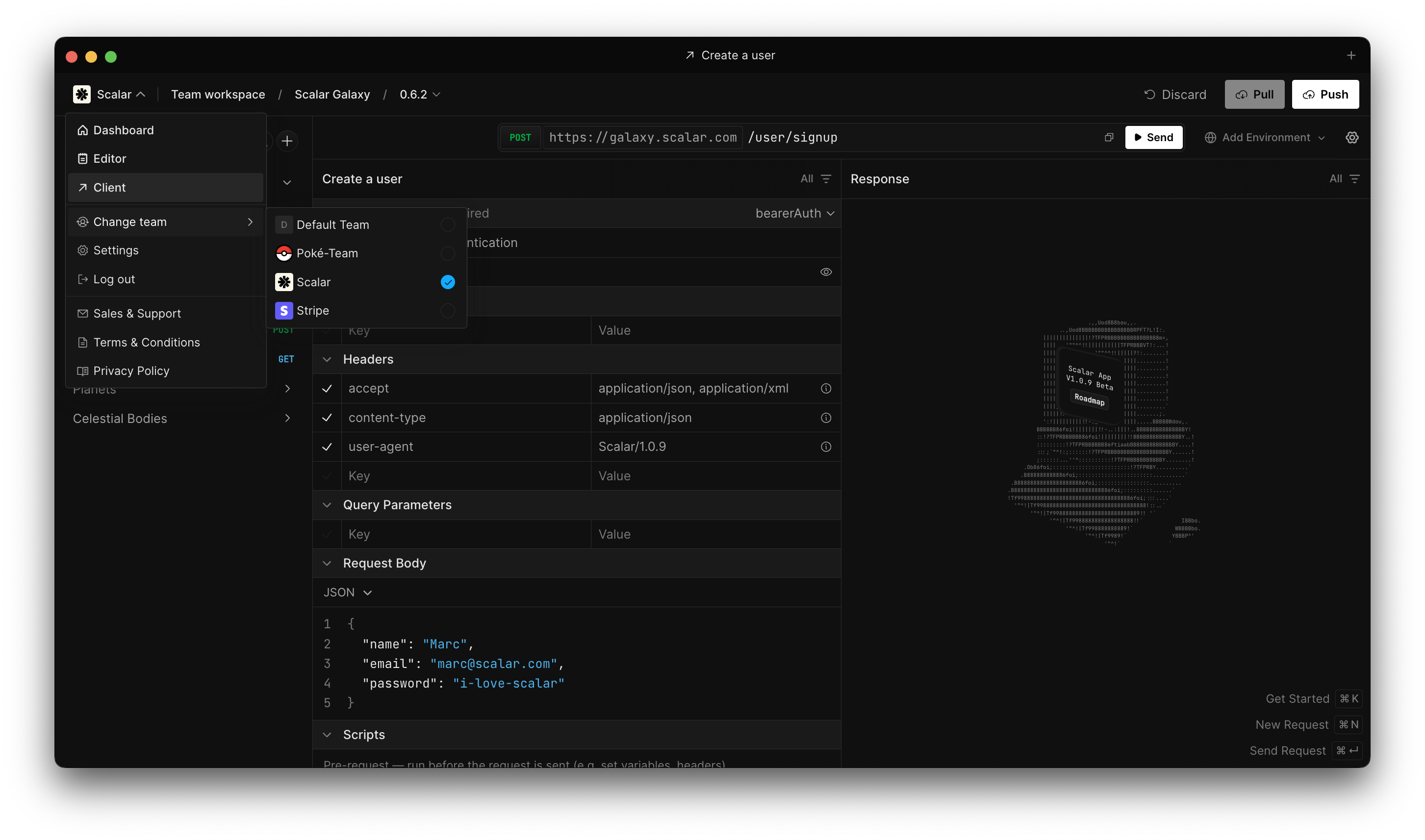
Team workspaces and Scalar Registry
- First-class team workspaces with a stable team identity that survives slug renames on the server.
- Live sync with the Scalar Registry so shared API descriptions stay aligned across machines.
- Conflict detection and resolution when local edits and registry changes disagree.
- Team switching from the header menu, with routing that follows the active team after sign-in.
- Returning to a workspace restores the tabs and routes you had open last time.
Local workspaces
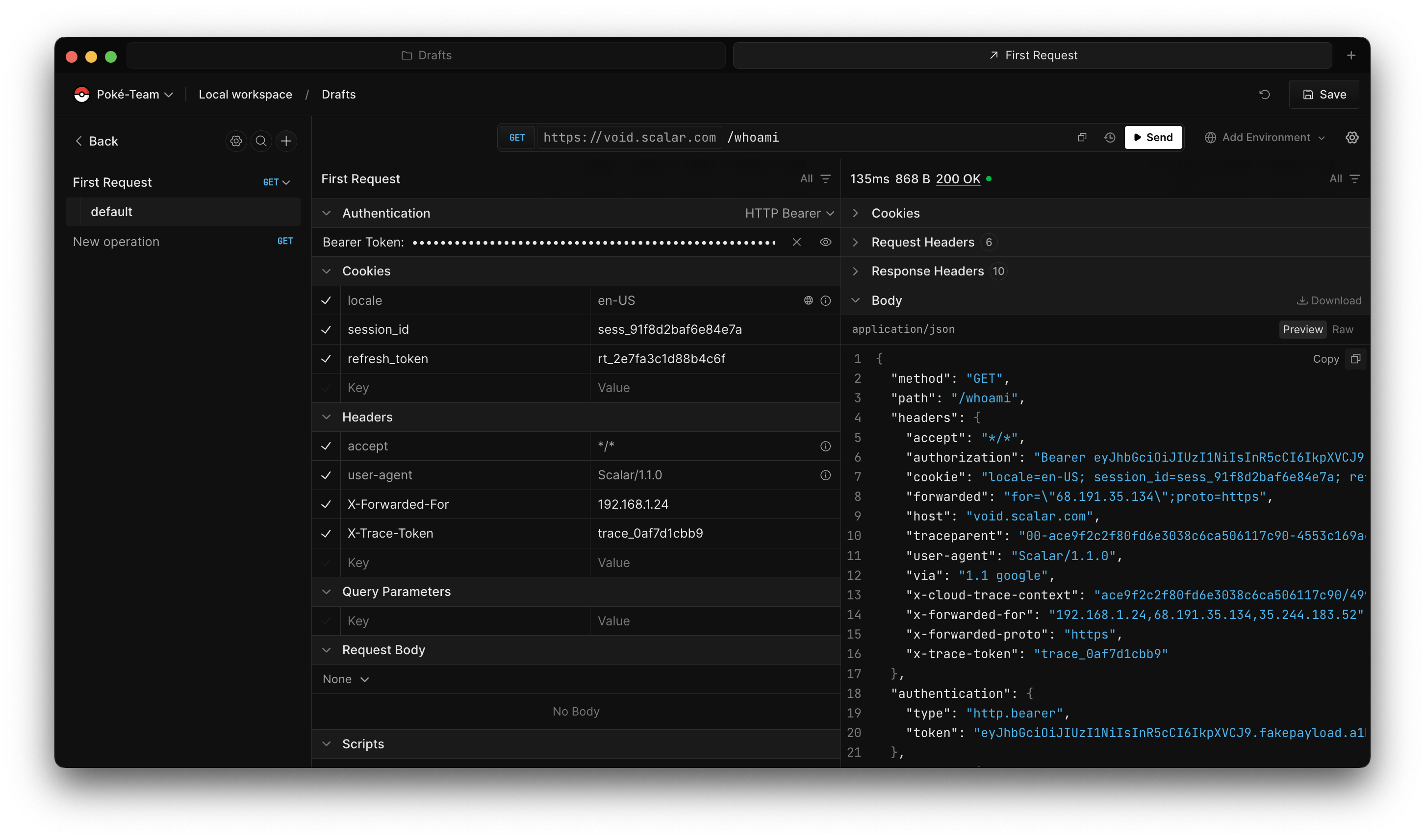
Local workspaces
- Save and revert flows for local-only drafts so you can experiment safely before publishing.
- Clear separation between personal local workspaces and team-backed workspaces.
- IndexedDB-backed persistence with a migration path from older localStorage installs.
Registry from the client
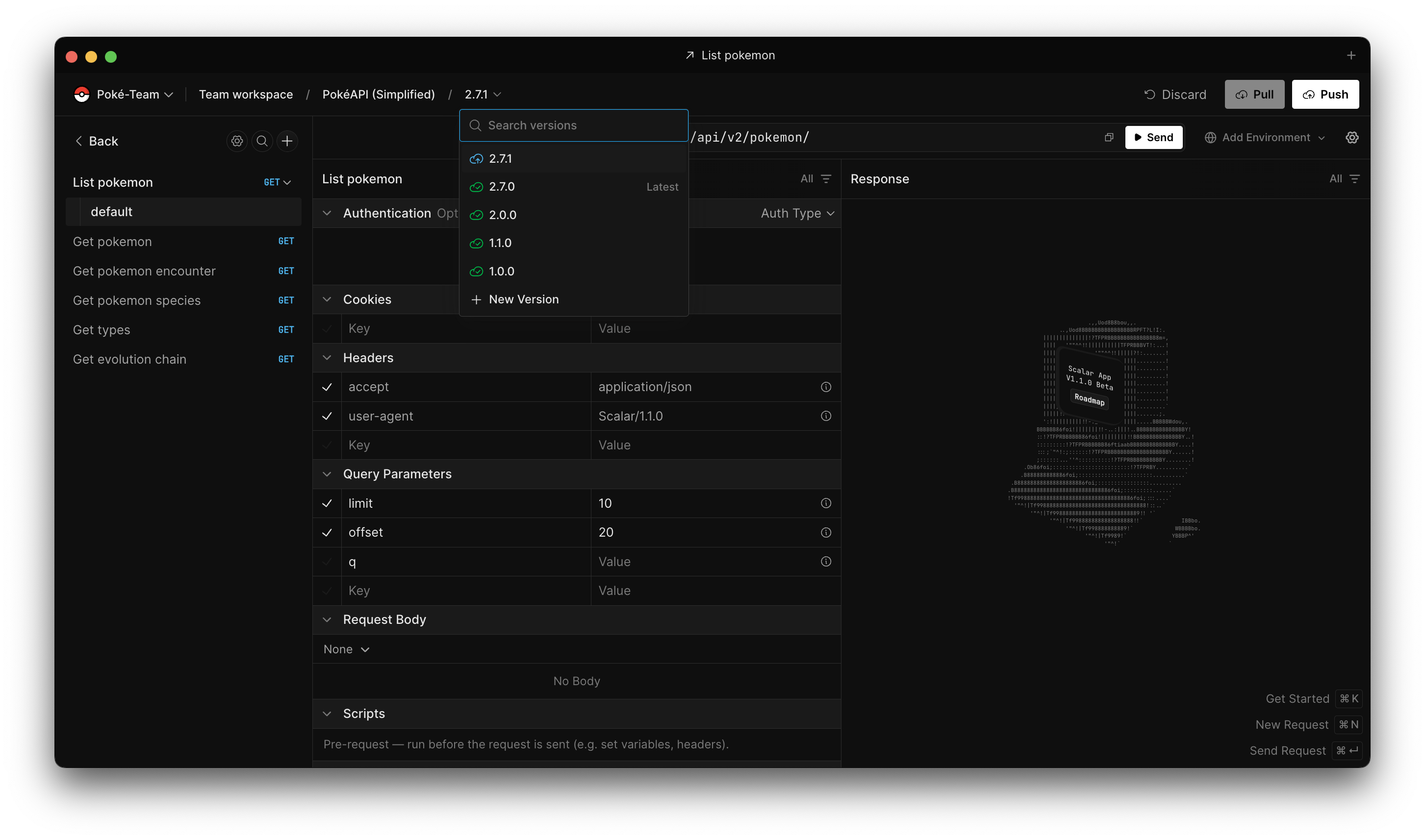
Registry from the client
- Add, update, and remove API descriptions tied to the registry without switching tools.
- Create and manage document versions from the same UI you use to send requests.
- Integrated registry adapter so the client speaks the same contracts as the hosted product.
Client shell, layout, and polish
- Layout tuned for small screens: breadcrumbs tuck away, workspace switching moves into the menu, and the address bar stacks cleanly with send actions.
- Command palette surfaces inline validation instead of silently disabling invalid actions.
- Electron window transparency and splash handling so team workspace reloads and resize flashes feel steadier.
- Monaco editor bundling moved to ESM-aligned workers for a more reliable desktop build.

