Rules
Use Rules to lint and verify your OpenAPI documents with Spectral-compatible rulesets. Scalar rules can be used across hosted APIs and schemas, and can be managed alongside our CLI.
Make sure you have created a Scalar Account and are logged in (see create account guide)
Create your first ruleset
Open APIs in the dashboard. In the Rulesets section, click New Ruleset.
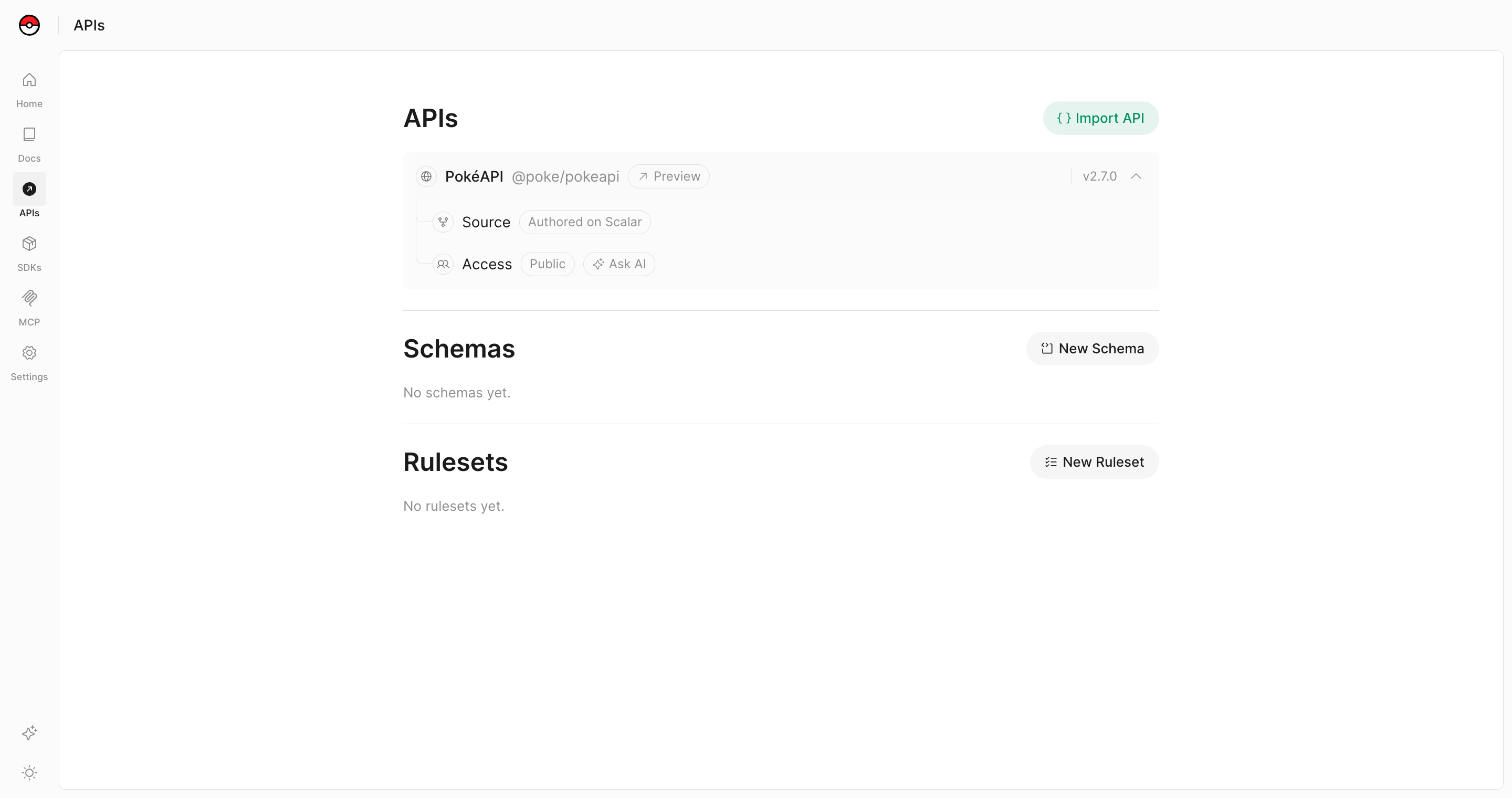
In the Create Ruleset dialog, give your ruleset a title and choose its path: a namespace and a slug. Click Create, and Scalar opens the ruleset's Source page, where you edit it.
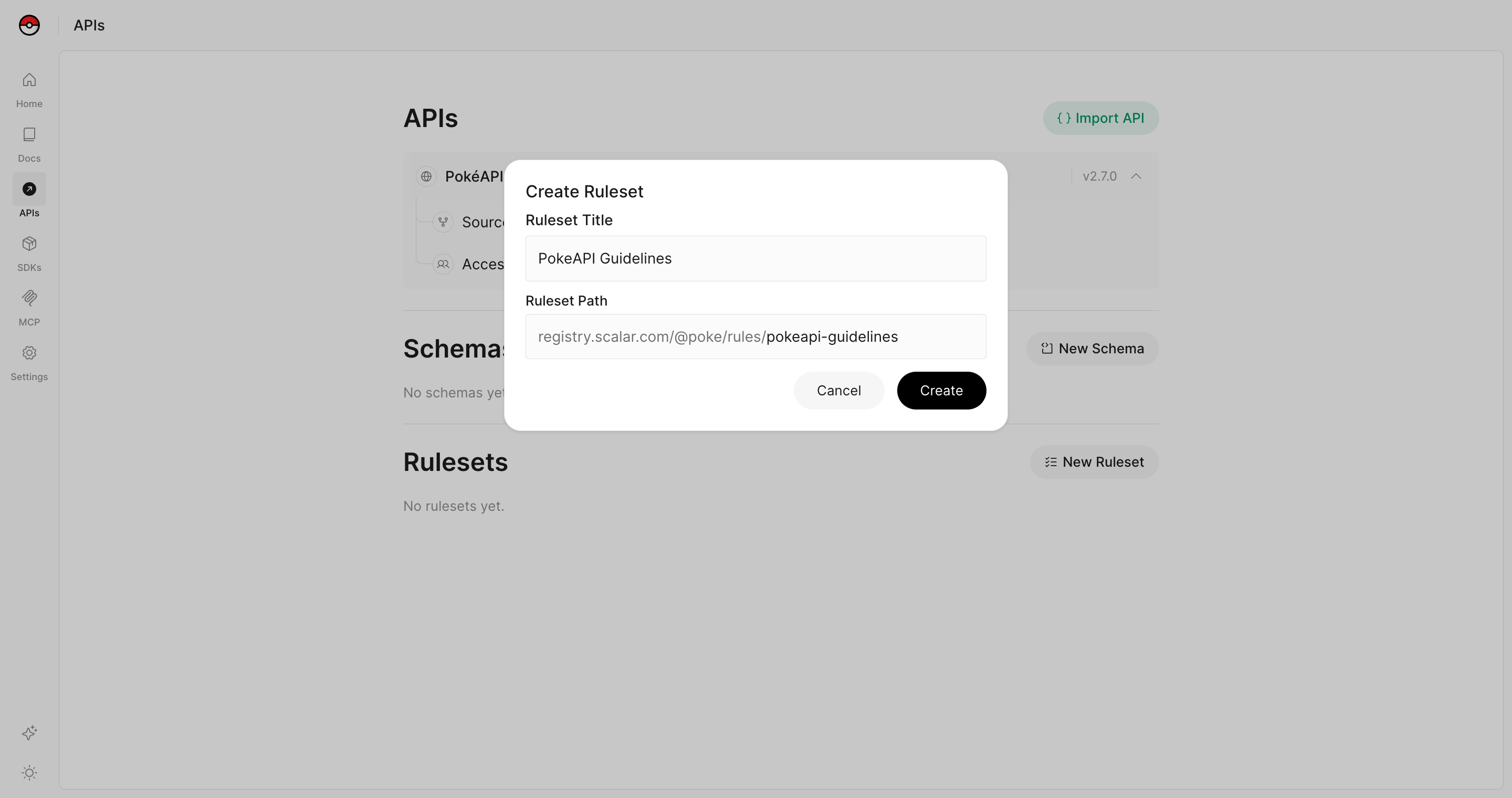
Configure your ruleset
A new ruleset extends the default Spectral OSS ruleset (spectral:oas). This provides a solid foundation of OpenAPI linting rules from the Spectral project.
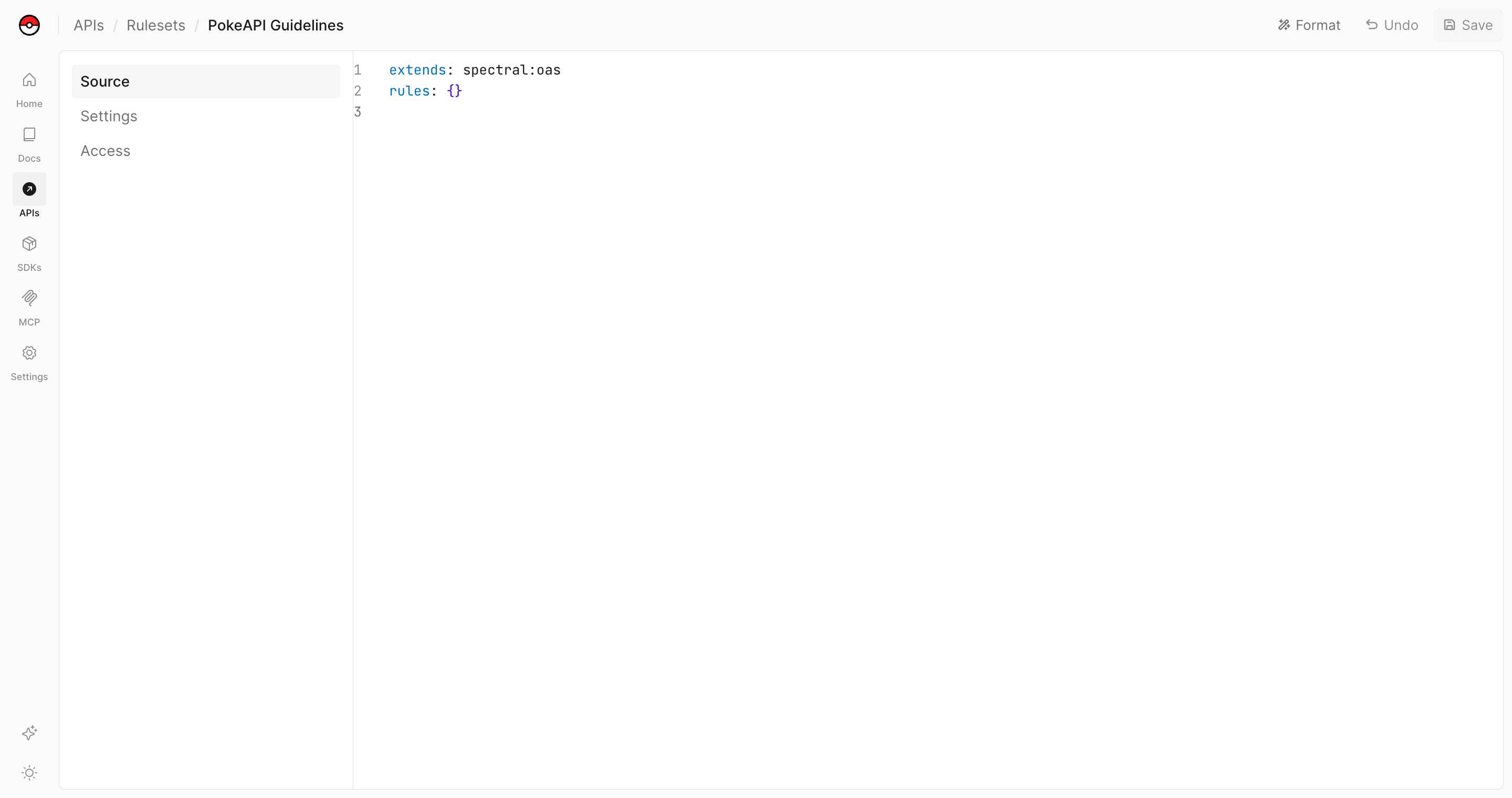
The default rule configuration looks like this:
extends: spectral:oas
rules: {}
You can customize your rule by:
- Extending other rulesets
- Adding custom rules
- Overriding existing rules
For more information about Spectral rules and how to write custom rules, see the Spectral documentation.
Access Control
Just like other resources in the Registry, you can control who has access to your rules.
Public Rules
Public rules can be shared with anyone and are accessible via their registry path. This is useful for open-source projects or when you want to share your linting standards with the community.
Private Rules
Private rules are restricted to your organization and can be shared with specific access groups. This is ideal for internal API standards and company-specific linting requirements.
You can manage a ruleset's access from its Access page in the dashboard, the same way you manage access for other registry resources.
CLI
Now let's use your rule to lint an OpenAPI document using the Scalar CLI.
You can lint your OpenAPI files using the scalar document lint command:
scalar document lint ./openapi.yaml
To use a specific rule from the Registry, use the --rule option:
scalar document lint ./openapi.yaml --rule https://registry.scalar.com/@your-team/rules/your-rule
You can also use a local rule file:
scalar document lint ./openapi.yaml --rule ./my-custom-ruleset.yaml
For more information about Spectral rules and how to write custom rules, see the Spectral documentation.
Integration with CI/CD
You can lint API descriptions in CI before merging or deploying them. Use --format github-actions to show findings as annotations in GitHub Actions:
# .github/workflows/lint-openapi.yml
name: Lint OpenAPI Document

on:
  push:
    branches:
      - main
  pull_request:
    paths:
      - 'openapi.yaml'

jobs:
  lint:
    runs-on: ubuntu-latest
    steps:
      - name: Checkout repository
        uses: actions/checkout@v6

      - name: Setup Node.js
        uses: actions/setup-node@v6
        with:
          node-version: 24

      - name: Lint OpenAPI Document
        run: npx @scalar/cli document lint openapi.yaml --rule https://registry.scalar.com/@your-team/rules/your-rule --format github-actions
Errors fail the step; warnings, information, and hints do not. If your API description already has findings, generate a baseline locally with the same ruleset, review it, and commit it:
scalar document lint openapi.yaml --rule https://registry.scalar.com/@your-team/rules/your-rule --generate-ignore-file
The workflow automatically reads .scalar.lint-ignore.yaml from its working directory, or falls back to .redocly.lint-ignore.yaml when the Scalar file is absent. Matching findings are omitted, and only errors outside the baseline fail the lint step. Generate the baseline when adopting linting or intentionally updating accepted findings; keep generation out of the CI check so new errors still fail it.
For CI systems that consume test reports, save JUnit XML:
scalar document lint openapi.yaml --rule https://registry.scalar.com/@your-team/rules/your-rule --format junit --output lint-results.xml
JUnit reports encode errors as error and warnings as failure. A JUnit viewer may mark warnings as failed tests even though the CLI exits successfully when there are no active errors. Reports display at most 100 findings by default; use --max-problems to raise the limit. Totals and the CLI exit status include all active findings.
Configure report collection to run even if lint fails. For example, in GitHub Actions, place this step after a lint step that writes lint-results.xml:
- name: Upload lint report
  if: always()
  uses: actions/upload-artifact@v4
  with:
    name: lint-results
    path: lint-results.xml
This uploads the XML as an artifact. To display it as test results, configure a JUnit-compatible viewer in your CI system. JSON reports are also available with --format json. See the CLI lint guide for all report formats, baseline paths, and exit behavior.
What did you think of this content?



