API Reference for Laravel
Use your OpenAPI documents to render beautiful API references in Laravel.
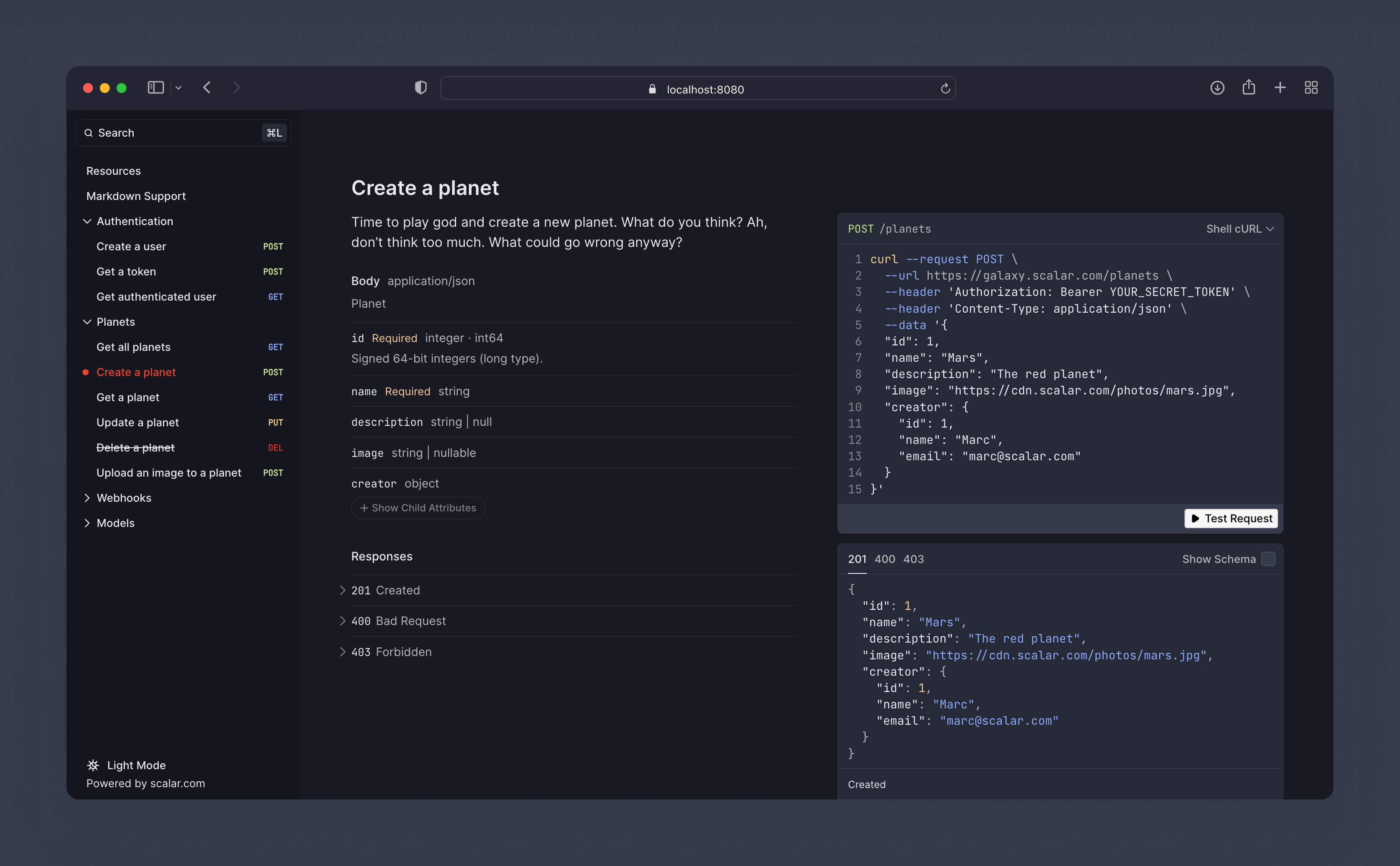
Installation
Install the package via Composer:
composer require scalar/laravel
Then run the install command to publish the config file and finish setup:
php artisan scalar:install
That's everything you need to get started. Prefer to publish things manually? You can:
# Publish the config file to config/scalar.php
php artisan vendor:publish --tag="scalar-config"

# Publish the Blade views (only needed if you want to customize them)
php artisan vendor:publish --tag="scalar-views"
Usage
You'll need an OpenAPI document to render your API reference. Several packages can generate one from your Laravel app:
Point Scalar at your document in config/scalar.php. You can provide it in three ways:
A URL fetched by the browser — a path served by your own app, or an absolute URL:
'url' => '/openapi.yaml',
// 'url' => 'https://example.com/openapi.json',
A relative URL just needs to be reachable on the same origin. An absolute, cross-origin URL needs to be publicly accessible (and may go through the built-in proxyUrl).
A local file read on the server and embedded in the page — it never needs to be publicly accessible:
'file' => storage_path('app/openapi.json'),
Inline content — the raw OpenAPI document as a JSON or YAML string:
'content' => '{ "openapi": "3.1.0", "info": { "title": "My API", "version": "1.0.0" } }',
When more than one is set, file takes precedence over content, which takes precedence over url. Then visit /scalar to see your API reference.
Theme
The reference ships with a Laravel-flavored theme, enabled by default ('theme' => 'laravel' in the config). Scalar also comes with a range of built-in themes — see the configuration.theme option in config/scalar.php for the full list.
Multiple documents
Render more than one OpenAPI document behind a document switcher — useful for versioned APIs (v1, v2) or public vs. internal references. Define them in the sources config:
// config/scalar.php

'sources' => [
    ['title' => 'API v1', 'slug' => 'v1', 'url' => '/openapi/v1.yaml'],
    ['title' => 'API v2', 'slug' => 'v2', 'url' => '/openapi/v2.yaml', 'default' => true],
],
Each source accepts a title, an optional slug, one of url/content/file, and an optional default flag.
You can also register documents at runtime with the Scalar facade — for example in a service provider — which is handy when the list is dynamic:
use Scalar\Facades\Scalar;

Scalar::document('API v1')->url('/openapi/v1.yaml');
Scalar::document('API v2')->file(storage_path('app/openapi/v2.json'))->default();
Registered documents take precedence over the sources config.
Under Laravel Octane the manager is a long-lived singleton, so register documents once (in a service provider). If you register per request, call
Scalar::flush()first to avoid them stacking up.
Authorization
The API reference is served from the /scalar route, which everyone can access by default. To restrict access in non-local environments, override the viewScalar gate in your App\Providers\AppServiceProvider:
<?php

namespace App\Providers;

use App\Models\User;
use Illuminate\Support\Facades\Gate;
use Illuminate\Support\ServiceProvider;

class AppServiceProvider extends ServiceProvider
{
    public function boot(): void
    {
        Gate::define('viewScalar', function (?User $user) {
            return in_array($user?->email, [
                //
            ]);
        });
    }
}
Read more
For the full list of options and the latest changes, see the Scalar for Laravel repository.



